Validate Emails Instantly.
Protect Your Domain Reputation.
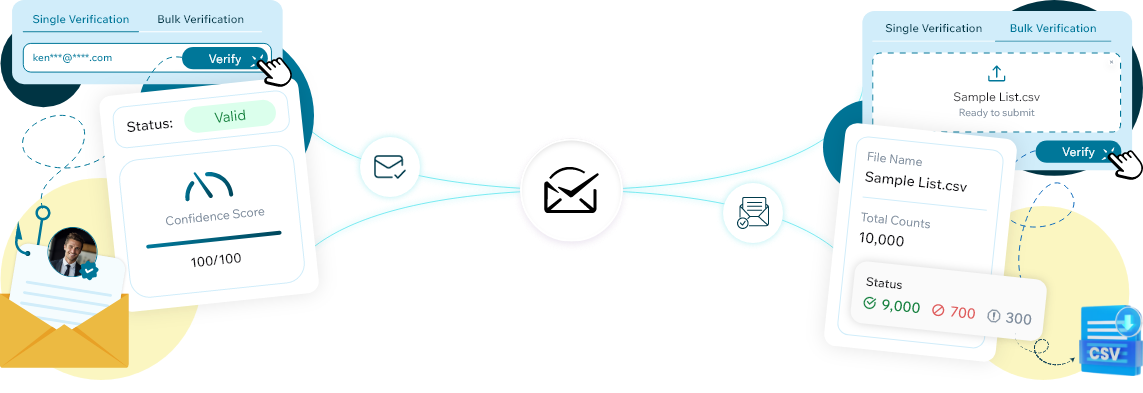
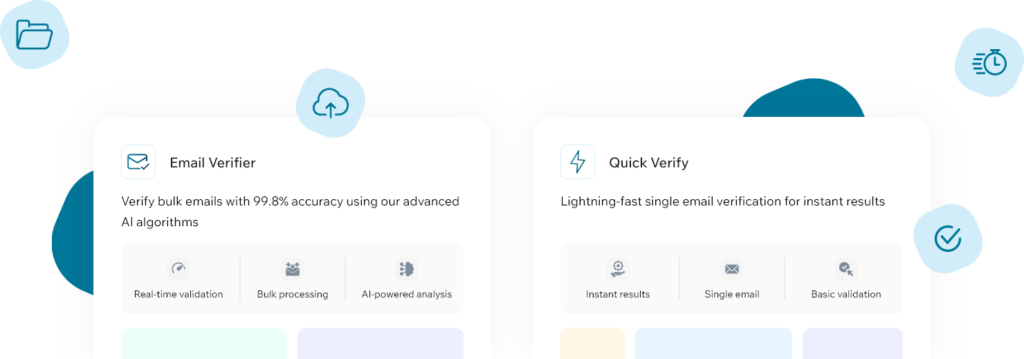
ReachStream Email Verifier checks email addresses in real time using SMTP-level validation, so your messages reach real inboxes instead of bounce folders. Verify a single address or a full list before you send.
- No credit card required
- 100 free credits
Why Choose Email Verifier
Better Deliverability
Reduce hard bounces and avoid spam traps by verifying emails before outreach.
Lower Sending Costs
Stop spending on invalid addresses and focus only on emails that can be delivered.
Secure & Compliant
Built with privacy, security, and responsible verification practices in mind.
High Accuracy Verification
SMTP-level checks with multiple retry attempts deliver up to 99.8% accuracy.
Bulk Processing at Scale
Upload CSV files and verify thousands of emails in minutes.
Fast, Real-Time Results
Instant verification for single emails and high-throughput bulk processing.
How Does the Email Verifier Works

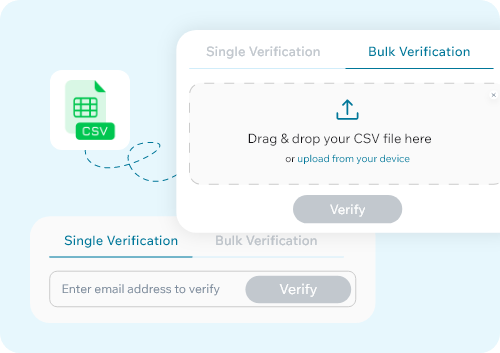
Upload Your Emails
Upload a CSV file or enter a single email address, sourced from your CRM, spreadsheets, or marketing tools.
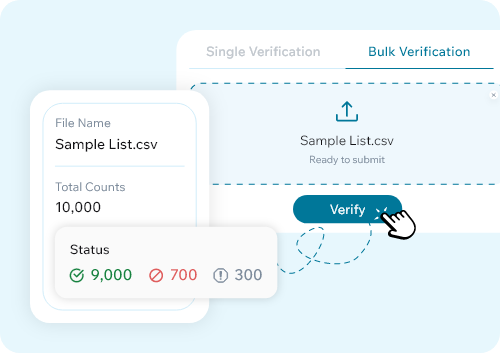
Verify in Real Time
ReachStream Email Verifier runs SMTP-level checks to classify each address accurately.
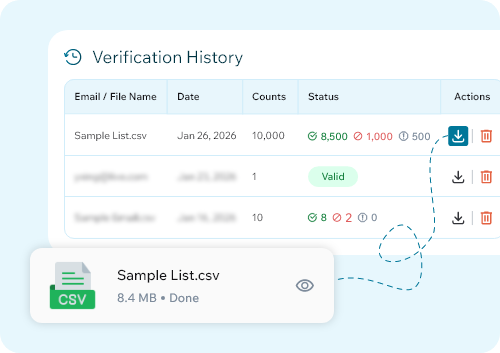
Download Clean Results
Export your verified list with clear status labels, ready to filter and use immediately.
Essential Features
Single Email Verification
- Real-time SMTP validation
- Clear status indicators
- Confidence score for transparency
Bulk Email Verification
- Easy CSV uploads
- Status breakdown: Valid, Invalid, Risky, Unknown, Do Not Mail
- Download clean, ready-to-use lists
- Secure API authentication
- Async bulk verification
- Built for high-volume usage
- File names and upload dates
- Status-wise counts
- Easy re-verification when needed
Who Uses ReachStream Email Verifier
Sales Teams
Marketing Teams
Recruiters
Founders & Operators
Professionals
Start Verifying Emails with Confidence
Trusted Security & Compliance Standards


Trusted Security & Compliance Standards
- FAQ
Frequently Asked Questions
Straight answers about verifying with ReachStream Email Verifier. Still curious? Our team is one message away.
1. What is ReachStream Email Verifier?
2. How accurate is ReachStream Email Verifier?
3. How does ReachStream Email Verifier check if an email address is real?
4. What do ReachStream Email Verifier's verification statuses mean?
Each verified email is classified into one of five statuses:
Valid — active and deliverable
Invalid — the mailbox does not exist
Catch-all — the domain accepts all emails, so deliverability to this specific address isn’t guaranteed
Risky/Unknown — deliverability is uncertain due to inconsistent mailbox behavior
Do Not Mail — high-risk or a potential spam trap; excluded from sending